You may have noticed a change in the Amex interface where the cards show in a small box at the top-right of the screen. The bigger nuisance is that when you click on the box, it no longer shows your Amex balances, just a list of cards.
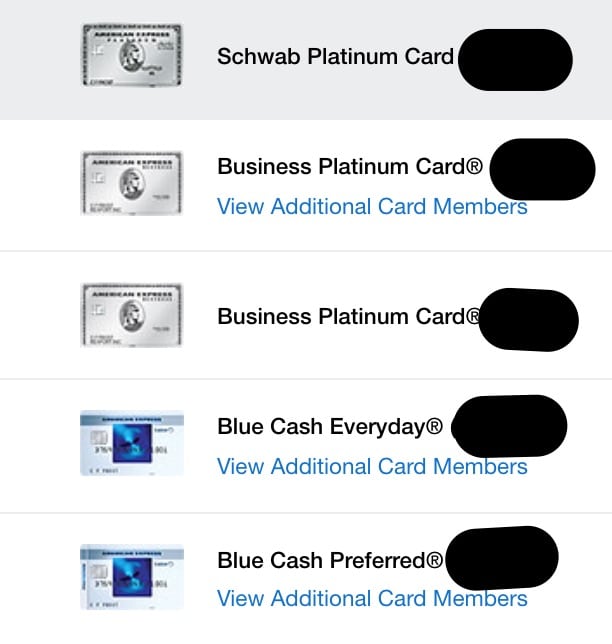
I regularly check through my list of Amex cards to see a balance overview, and this change was quite annoying. Luckily, an astute r/churning member noticed that if you go to the Statement & Activity tab and then select My Accounts, it’ll pull up the old view which lists all accounts and their balances.

Another option is to use the old Amex interface link which we’ve talking about a few times before. It stopped working, then started again, and currently works at time of this writing. That one is a bit easier to navigate and see your card balances from the home page, though it doesn’t show them there in a single view.